Resources & Gear
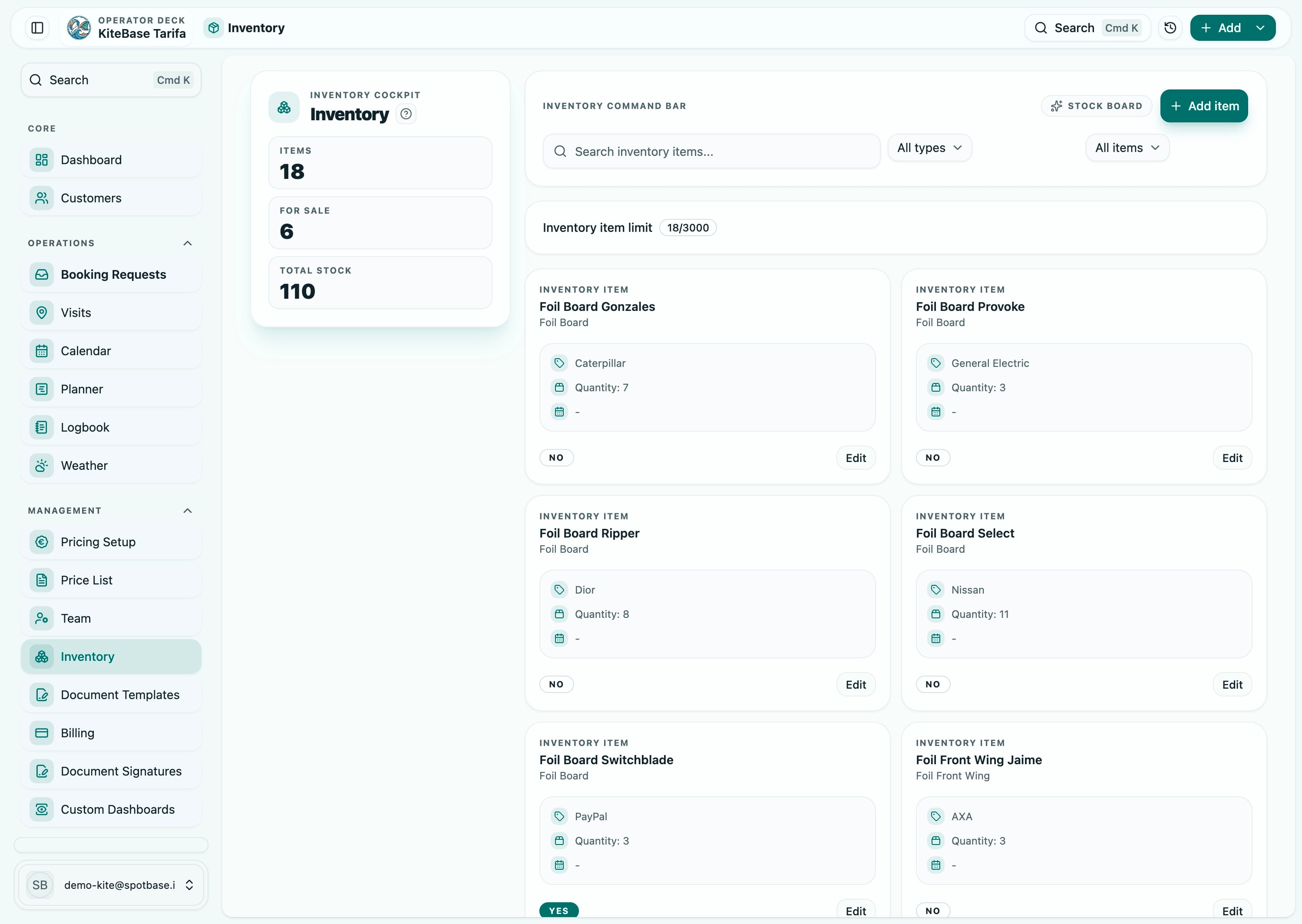
Operational inventory clarity for busy centers
Keep rental workflows and planning connected so teams can assign equipment confidently and reduce day-of surprises.
Module Showcase
Inventory & Rentals
See the module in action with the live operational surfaces teams use every day.
Core Challenge
Problem → Workflow → Outcome
Resource visibility gaps cause assignment conflicts and avoidable operational delays.
Step 1
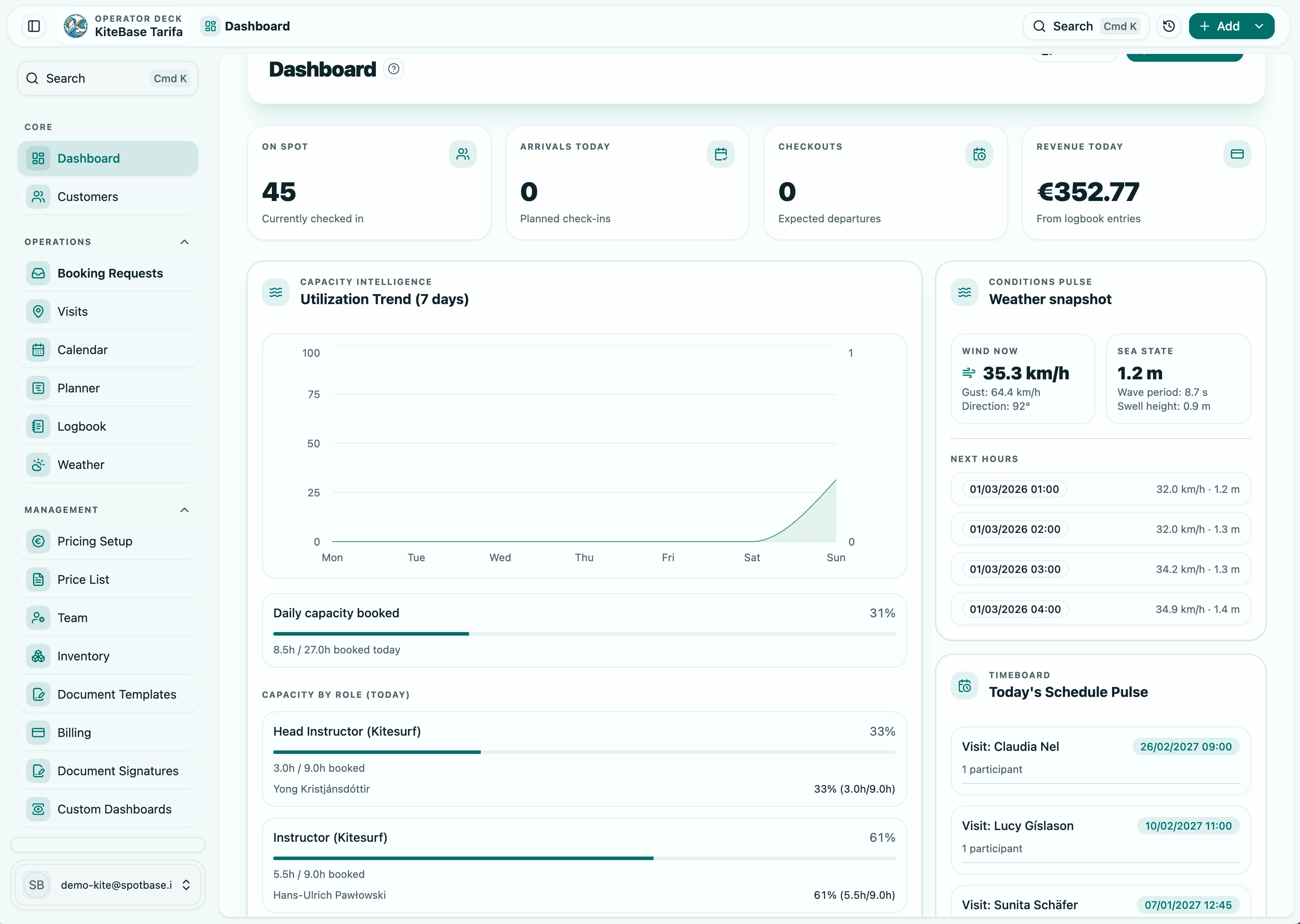
Maintain live inventory context
Track what is available, assigned, or unavailable across active operations.
Fewer assignment conflicts
Step 2
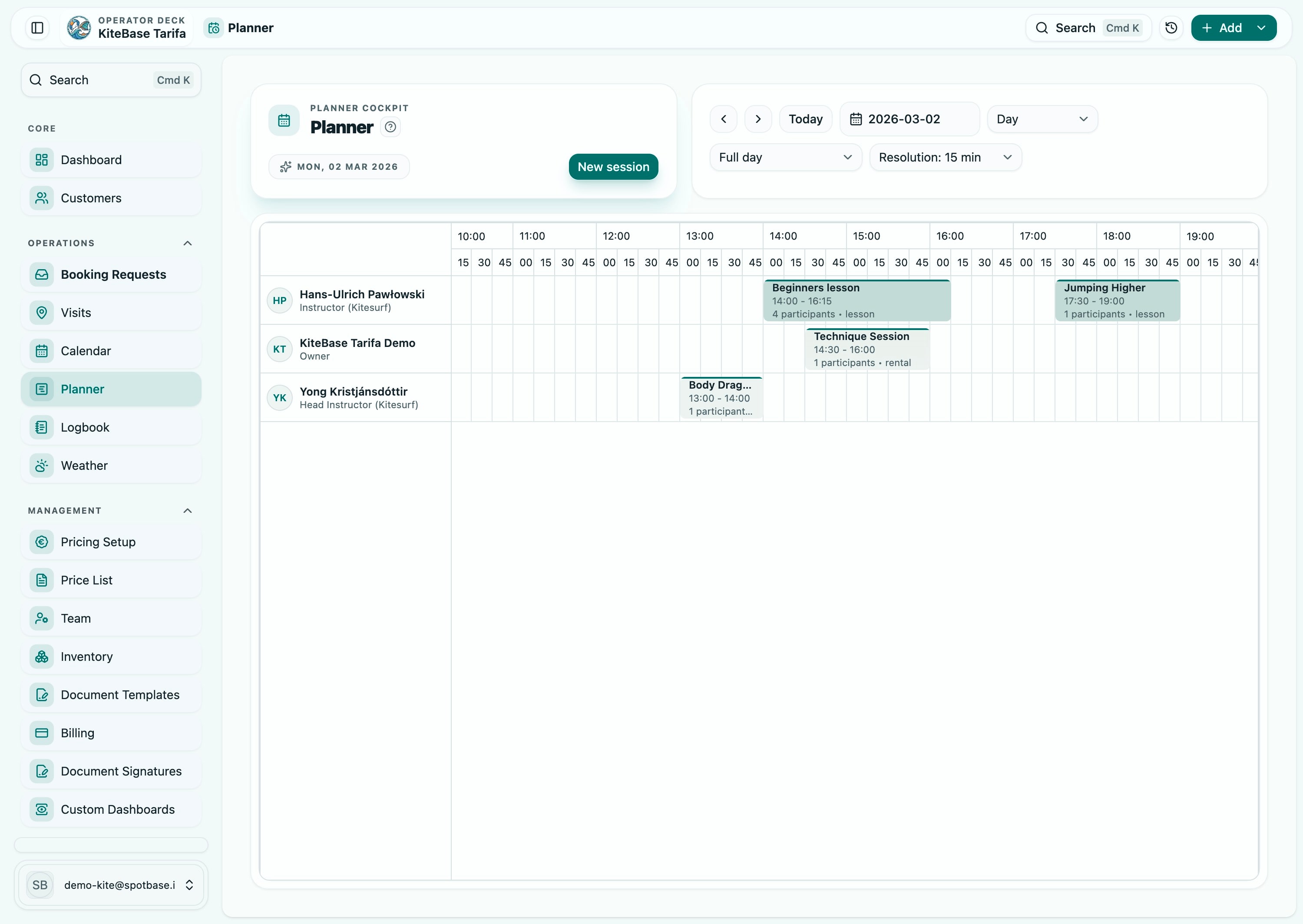
Connect gear to session planning
Link inventory decisions with planner workflows so staff sees realistic availability.
Improved day-level readiness
Step 3
Close loop after delivery
Update usage status as sessions complete to prepare for the next operational cycle.
More reliable customer expectations
Capabilities
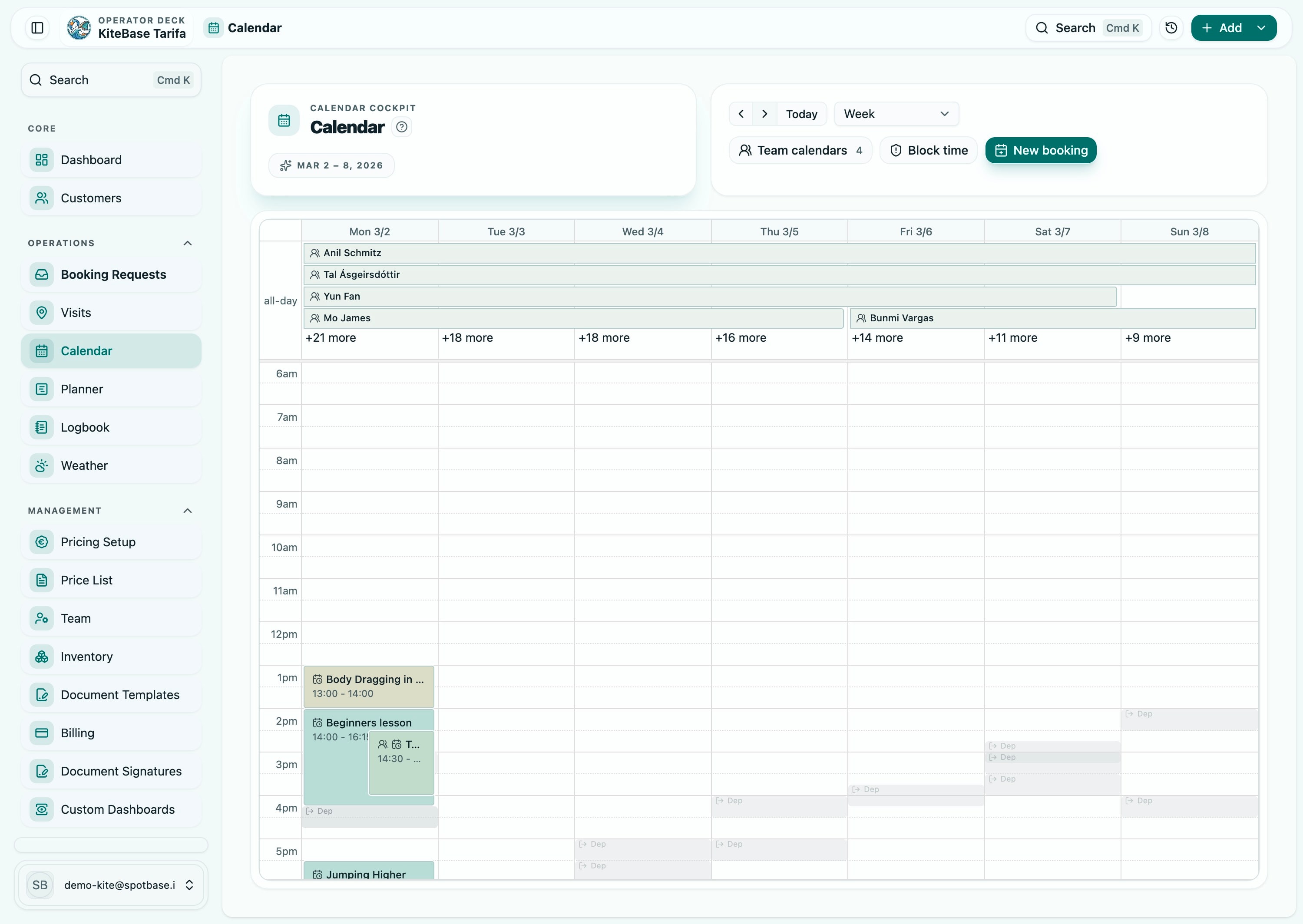
- Central inventory records
- Session-aware gear assignments
- Availability visibility for planners
- Operational handover support
Who This Helps
- Rental desk teams
- Instructors
- Operations managers
Best-Fit Sectors
See where this module creates the most operational impact first.
Water Sports Centers
Surf, kite, wingfoil, and wind operations with fast check-ins and weather-sensitive planning.
View sector
Snow Sports Schools
Coordinate classes, instructors, and rental workflows for ski and snowboard programs with fewer handover gaps.
View sector
Multi-Activity Adventure Centers
Coordinate diverse activities, rotating teams, and equipment pools with one operational control layer.
View sector
Connected Modules
Teams usually combine this module with the following capabilities to complete their workflow.
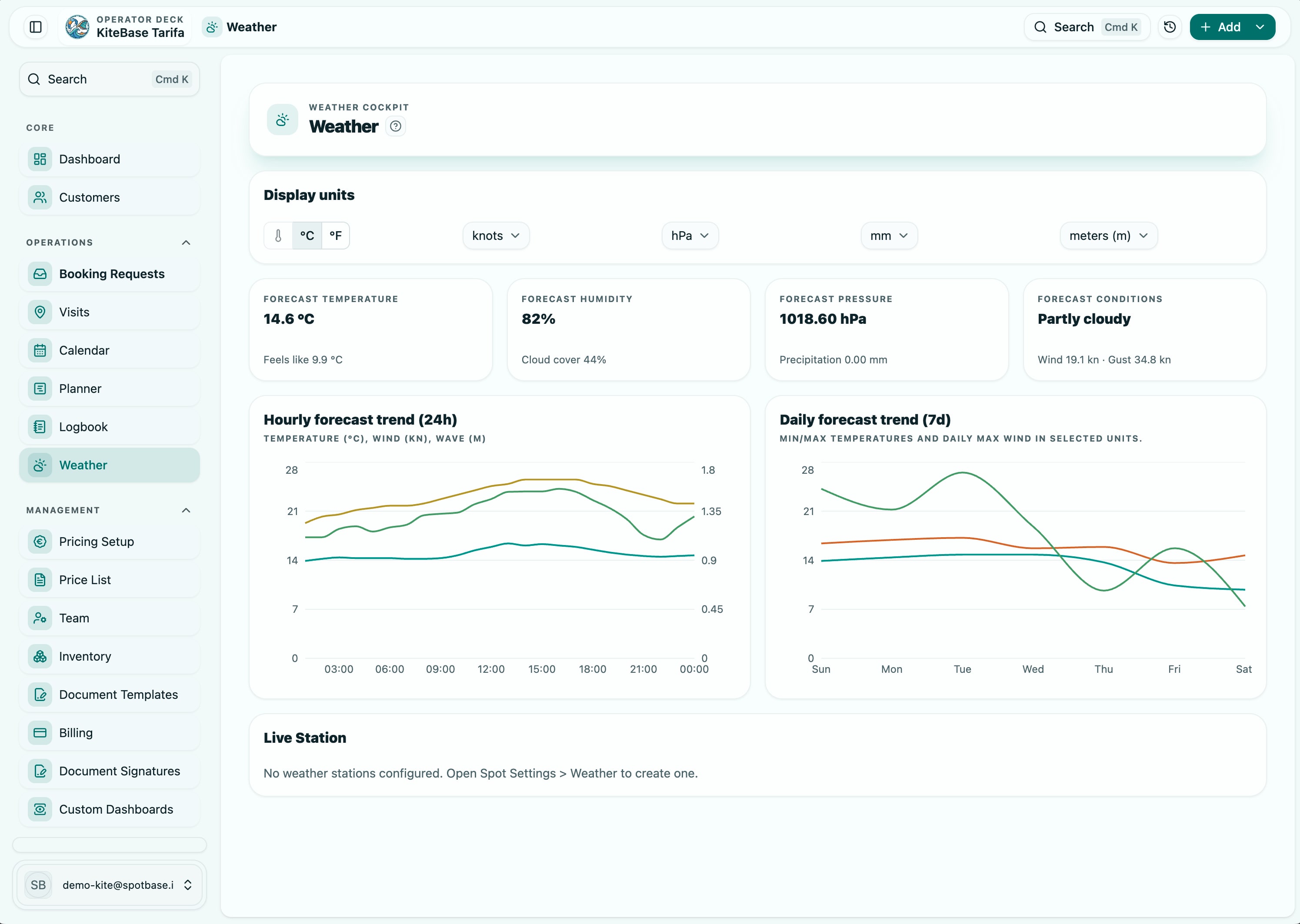
Scheduling & Capacity
Scheduling & Planner
Plan sessions, staff, and resources from one operational board that adapts to live conditions.
View module
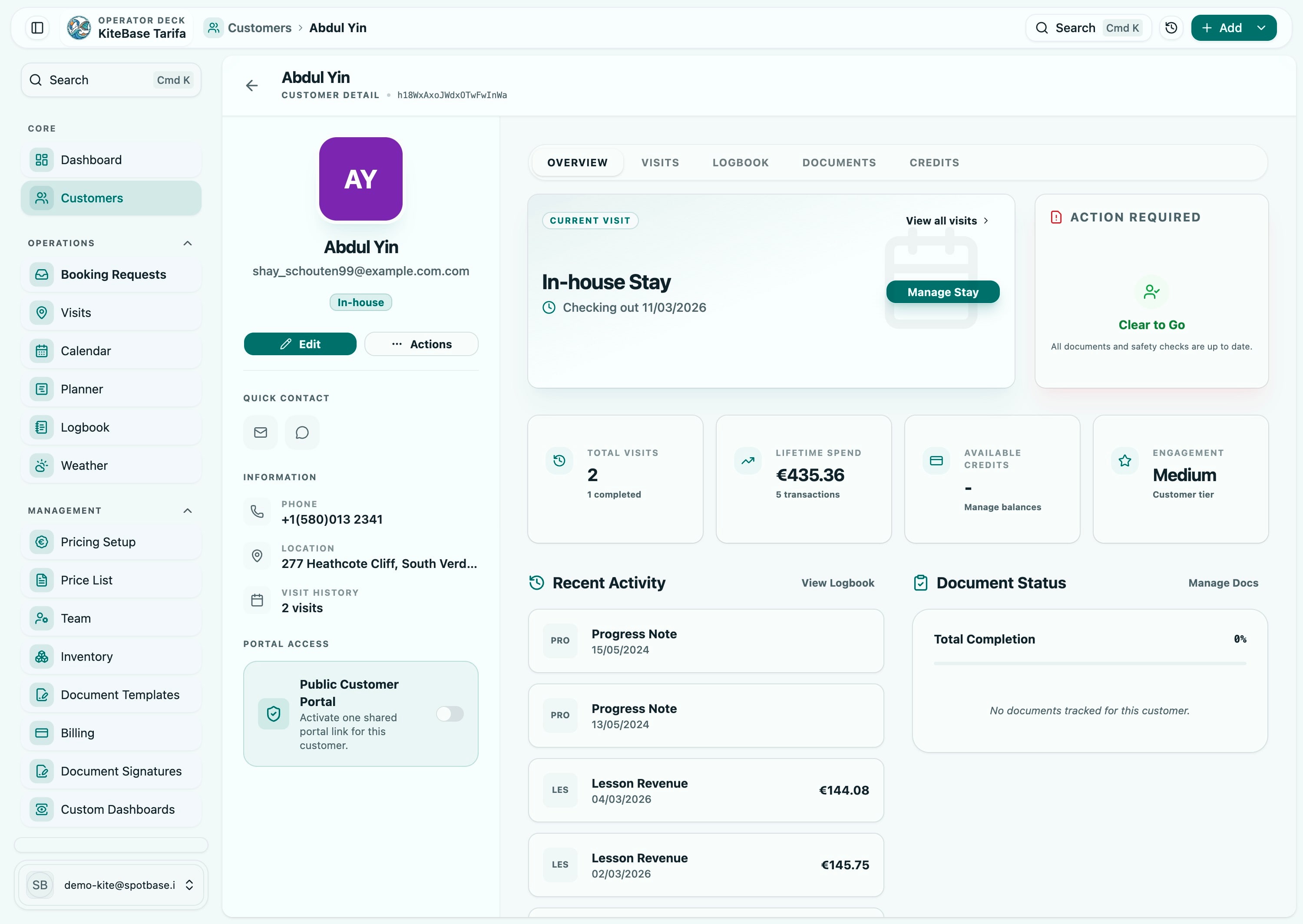
Customer Lifecycle
Customer Operations Hub
Give every team member the same up-to-date customer timeline from inquiry to final session log.
View module
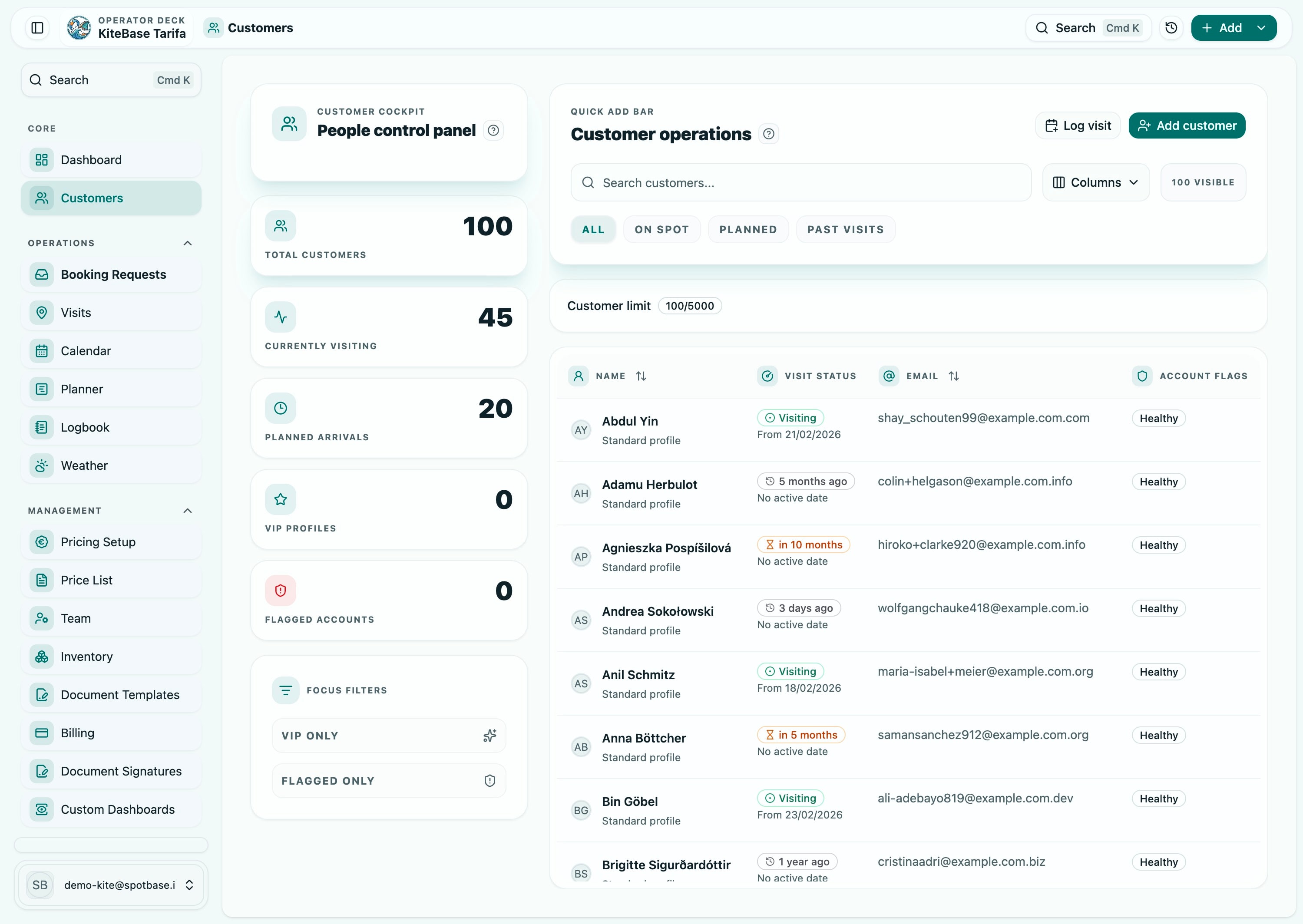
Finance & Reporting
Billing & Operational Reporting
Keep invoicing, payment awareness, and operational reporting connected to real service delivery.
View module
Decision Support
Module readiness checklist
Use this checklist to align process ownership before activating this module in production workflows.
- Define your core equipment categories and assignment rules.
- Map where availability mismatches currently happen.
- Set ownership for end-of-day inventory status closure.
Module Rollout
Roll out Inventory & Rentals with clear ownership
Start with one sector workflow, align role responsibilities, and deploy this module as part of a controlled rollout.